E-commerce growth
An e-commerce SEO audit that starts with the catalogue
A store is not a brochure with more pages. Audit the URL patterns, product information and trading functions that make the catalogue usable.

An e-commerce SEO audit should identify which catalogue problems need attention and what the store team should check next. Begin with important categories and products, then follow their discovery, page information and purchase journey. A large crawl report only becomes useful when its findings connect to those pages and actions.
This checklist is a way to organise an e-commerce investigation. It is not a promise to inspect every product from a small sample, and it does not make a technical score a substitute for sales or qualified enquiries.
Choose examples that represent the store
List the main page types before crawling: homepage, category, product, variant, filter, pagination, search, cart and checkout. Include a current product, a temporarily unavailable item and a discontinued item if the store has those states. Add any country/language or trade-account routes that change the experience.
For an illustrative furniture store, a useful sample might include one dining category, a product with sizes, a filtered category and the second catalogue page. The sample is chosen to expose different behaviours, not because four URLs represent the whole business.
Record the sample and its limits in the audit. When a problem appears template-wide, expand the check to establish its scope. Do not multiply a single template warning into hundreds of separately priced fixes without explaining the shared cause.
Follow the category-to-product route
Check whether the main categories and important products can be reached through useful links. A product that appears only after a form submission or an unlinked internal search needs closer investigation. Ask how a new visitor and a crawler discover it.
Google's store-structure guidance describes the role of navigation links in helping it understand products and categories. A sitemap is useful discovery material, but it does not replace a coherent shopping structure.
Check the visible journey too. A category that points to unavailable products, loses filters unexpectedly or hides delivery information may need attention even when its links are technically crawlable.
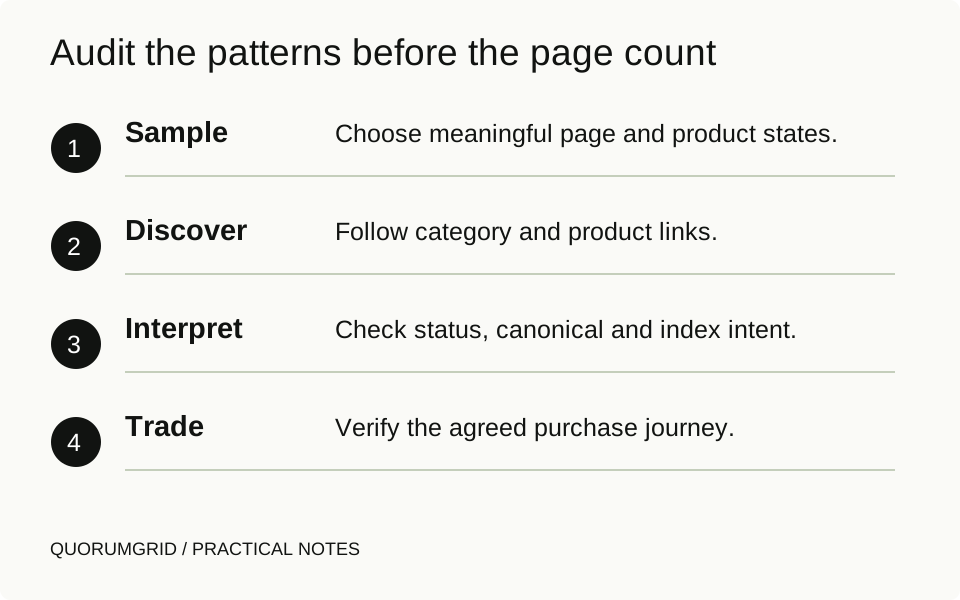
Audit the patterns before the page count
- Sample
Choose meaningful page and product states.
- Discover
Follow category and product links.
- Interpret
Check status, canonical and index intent.
- Trade
Verify the agreed purchase journey.
Separate product identity from URL noise
For each sampled URL, inspect the response status, indexing directive and canonical destination. Establish what each variation is meant to represent before deciding which URL should be preferred. Size, colour, sort order and campaign tracking do not all mean the same thing.
A canonical is a signal, not an absolute instruction. Google's canonical guidance is relevant when equivalent pages have multiple URLs. Do not canonicalise a genuinely different, useful product page to a broad category merely to reduce a warning count.
Pagination also needs its own review. Google's pagination guidance recommends distinct URLs and warns against treating every later page as a canonical copy of the first. Test how the implemented catalogue actually works rather than applying a blanket rule to all parameters.
Use a small catalogue investigation sheet
| Page pattern | Question | Useful evidence |
|---|---|---|
/dining-tables | Can the category be discovered and understood? | Navigation path, response and page purpose |
/oak-table | Does the product explain the available item? | Product content, availability and purchase route |
?colour=oak | What does this variant/filter URL represent? | Changed content and canonical/indexing intent |
?page=2 | Can later products be reached? | Distinct URL, links and pagination behaviour |
Add the observation date and affected template. Keep recommendations separate from observed facts. A URL parameter is not a defect by itself; the issue is whether its behaviour matches the intended catalogue structure.
For your first pass, copy the four page patterns into a sheet, replace the example URLs with your store's URLs and add columns for expected behaviour, observed behaviour, owner and next check. Mark an unanswered question as unverified. Expand the sample when you find a repeated pattern instead of treating four pages as a complete store audit.
Check information customers need to choose
Review a product page as a buyer. Does it show the actual item, relevant options, availability, delivery/returns information and enough detail to distinguish it from nearby products? Ask the trading team which questions repeatedly delay a purchase.
For a category, explain the selection where useful and help people find an appropriate product. Avoid adding a long generic paragraph solely to hit a word count. Clear grouping, useful filters and accurate links may solve a more important problem.
If structured data is part of the setup, compare it with the visible page and the appropriate current product documentation. Markup should not invent prices, availability or reviews. Eligibility for an enhanced search display is not a guarantee that it will appear.

Keep the trading checks in the audit
A store can gain relevant visits and still lose sales through broken variations, unavailable payment methods or missing order notifications. Agree a controlled purchase test with the owner, using a safe staging or test-payment method. Do not create real charges as an unannounced SEO check.
Record where the test stops and who owns the correction. The SEO team, developer, payment provider and trading team may each control different parts. If order emails are missing, our WooCommerce notification guide separates the trigger from delivery.
End with priorities tied to the catalogue and buying journey. A blocked primary category, an incorrect product template and a minor duplicated label do not have equal significance simply because a crawler assigns all three a warning icon.
Sources and further reading
Technical references for this guide. The checklists and examples are our practical recommendations, adapted to the subject.